Shiftgig · Director of Product Design
A2A
A mobile application flow reached a completion rate above 80%. The old funnel took 5 to 15 days and sent about 4% of applicants to a first shift.
The brief
A funnel that leaked
Shiftgig connects on-demand workers, called Specialists, with shifts. Not enough applicants made it from application to their first shift.
A Community Success team member told us: "It takes about 30 minutes to update 50 people's interview status in iCIMS."
Why it mattered
Manual work hurt the internal team and the candidates. After applying, candidates heard from Shiftgig only by email, from several senders. Nothing told them what came next.
We made two assumptions. More automation would let us be transparent with candidates. Candidates who saw their status would more likely finish the process and work a first shift.
The goal
Primary: a fully automated process that shows candidates where they stand, so they finish and work shifts.
Secondary: free the internal team to sell the technology instead of supporting applications.
Outcome: spend less money on candidates who never work a shift.
My role
Director of Product Design. I led design from research to launch. Engineering built the app in Lightbulb, a shared codebase for iOS and Android.
The old process
Four stages. Five to fifteen days.
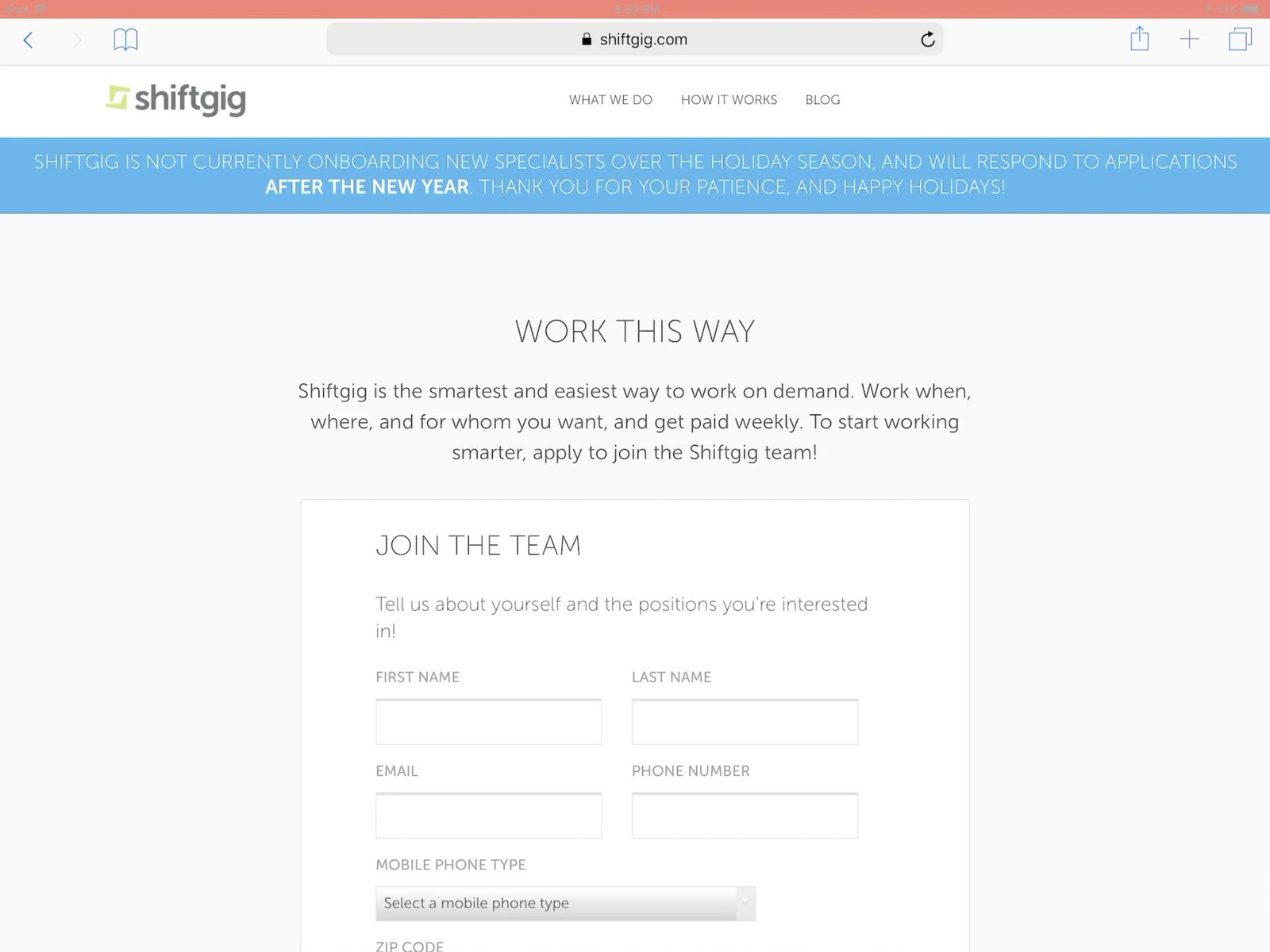
The website form was the only way to apply.
Application
Applicants could apply only through a form on the website.
Assessment
The team scheduled interviews and interviewed candidates in person, by video or by phone. Then it made an offer.
Onboarding
Candidates onboarded like regular employees. They completed tax documents, agreements, background checks, verifications and pay information.
Activation
The team verified all paperwork. Candidates became Specialists, activated in Deploy, and could claim and work shifts.
The funnel
Shiftgig lost 96% of applicants before a first shift.
What it cost
Acquiring Specialists cost more than $289K per quarter. Only about 4% of applicants worked a shift. The total loss was $276K per quarter.
53 systems ran the process
- 57 workflows, many manual.
- 48 systems repeated the Specialist's contact information.
- Manual entry caused errors and duplicate records.
- Admins and Specialists had no real-time status.
- Nothing prioritized candidates by cost.
- The process did not connect to client and market demand.
The systems included Google Sheets, Workbright, Bridge, iCIMS, Sterling and ADP.
What we learned
Candidates did not trust Shiftgig.
We interviewed 16 Specialists who had just finished the process. Fresh memory beat long recall. We validated the findings through interviews, research artifacts and prototype tests.

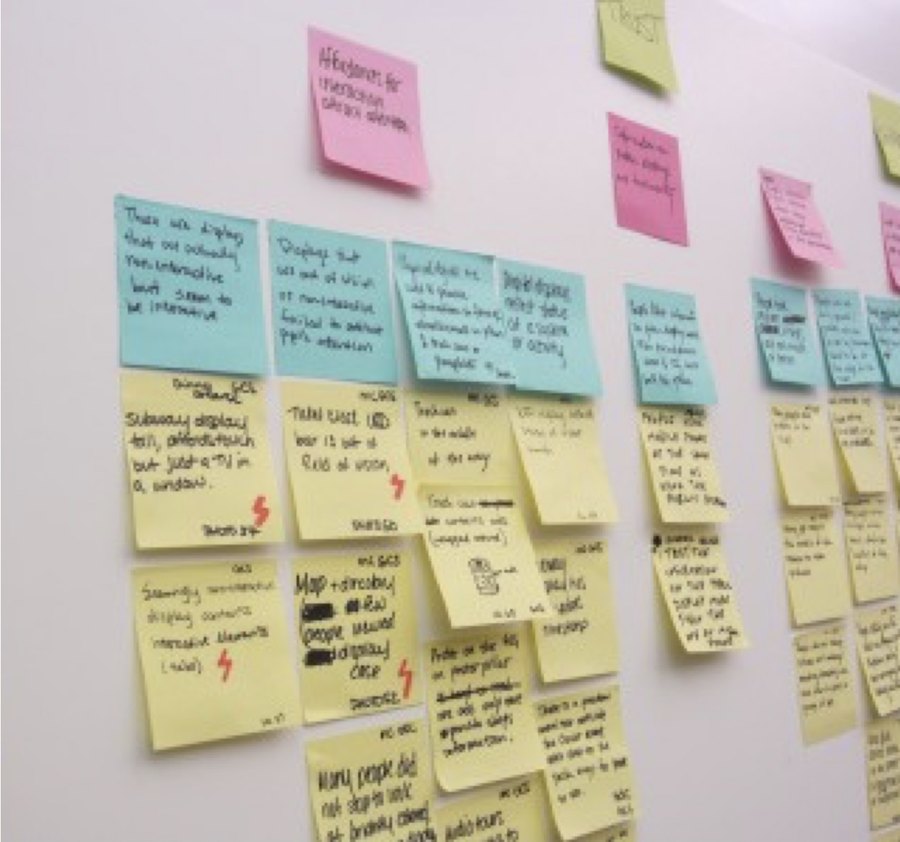
What candidates said
- Who is Shiftgig, and why should I trust them?
- After I submit, nothing says what happens next.
- The paperwork, steps and verifications create high friction.
- Processing takes 5 to 15 days.
- No tool shows where I am in the process.
- Several channels and departments contact me.
- Once on the platform, there is not enough work, or the work is not interesting. Demand planning was poor.
What we defined
The service had many manual touch points. Candidates did not trust Shiftgig to deliver on its promise. Phone interviews took time and gave candidates no flexibility.
Internally, we could not integrate with client workflows. Workflows repeated across systems, and teams moved data between systems by hand. Nobody saw real-time status, and no rules-based workflow protected critical data. That left room for error and outdated data.
The strategy
- Consolidate systems.
- Weight customization and integration heavily when selecting the new system.
- Build a mobile flow that shows candidates where they stand.
What we explored
We designed with the whole company.
Workshops
We ran workshops with people outside the design team. They gave us more options and new insights.
Information architecture
We wired up the candidate flow and circulated it with engineering. Together we assessed each interaction and surfaced opportunities we had missed.
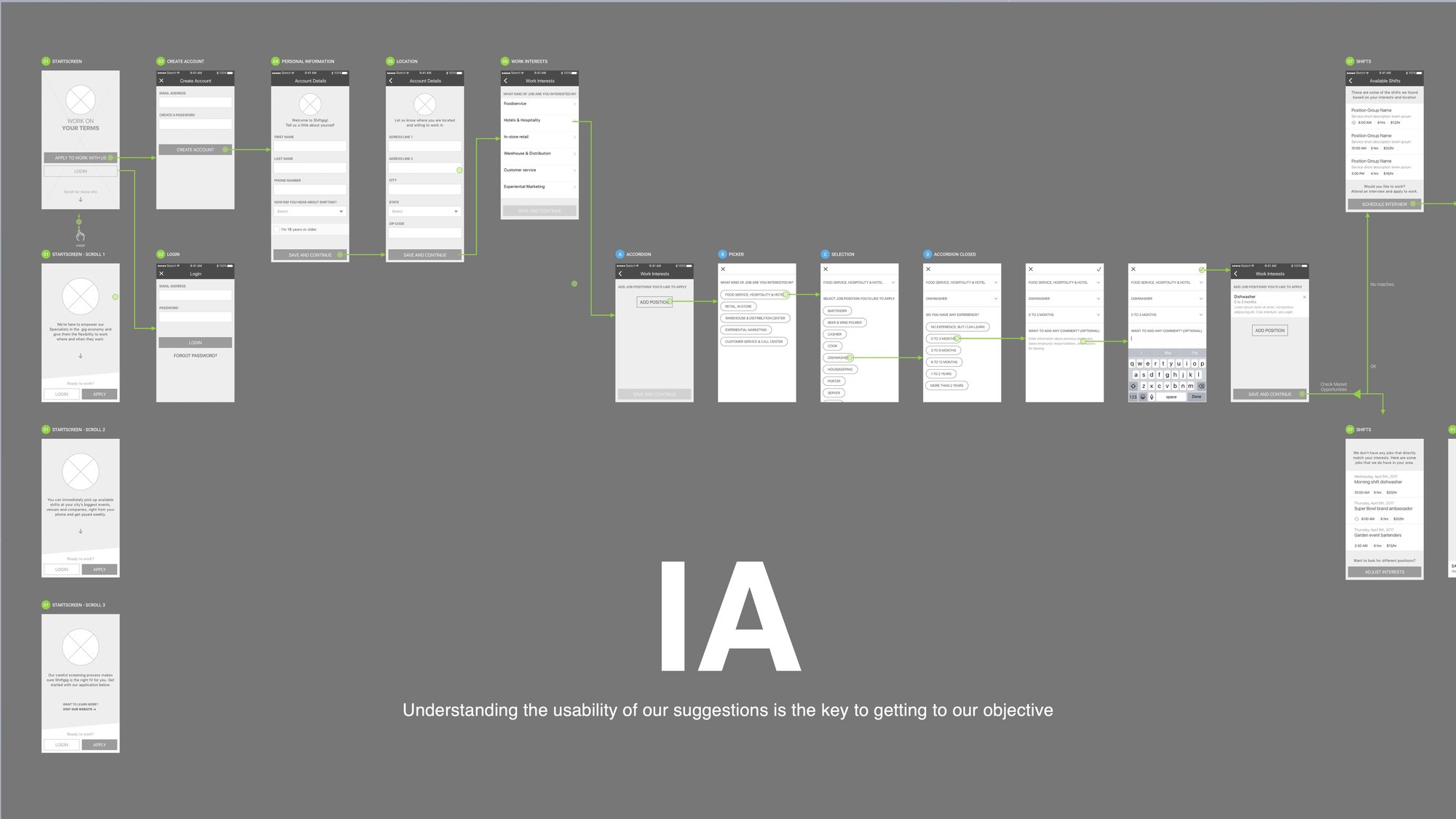
The application flow, screen by screen.
Prototype test · 3 rounds
We prototyped the wires and tested them on usertesting.com, and with Specialists and the internal team. Each round used 5 to 10 people. We planned to ship new functionality every sprint.
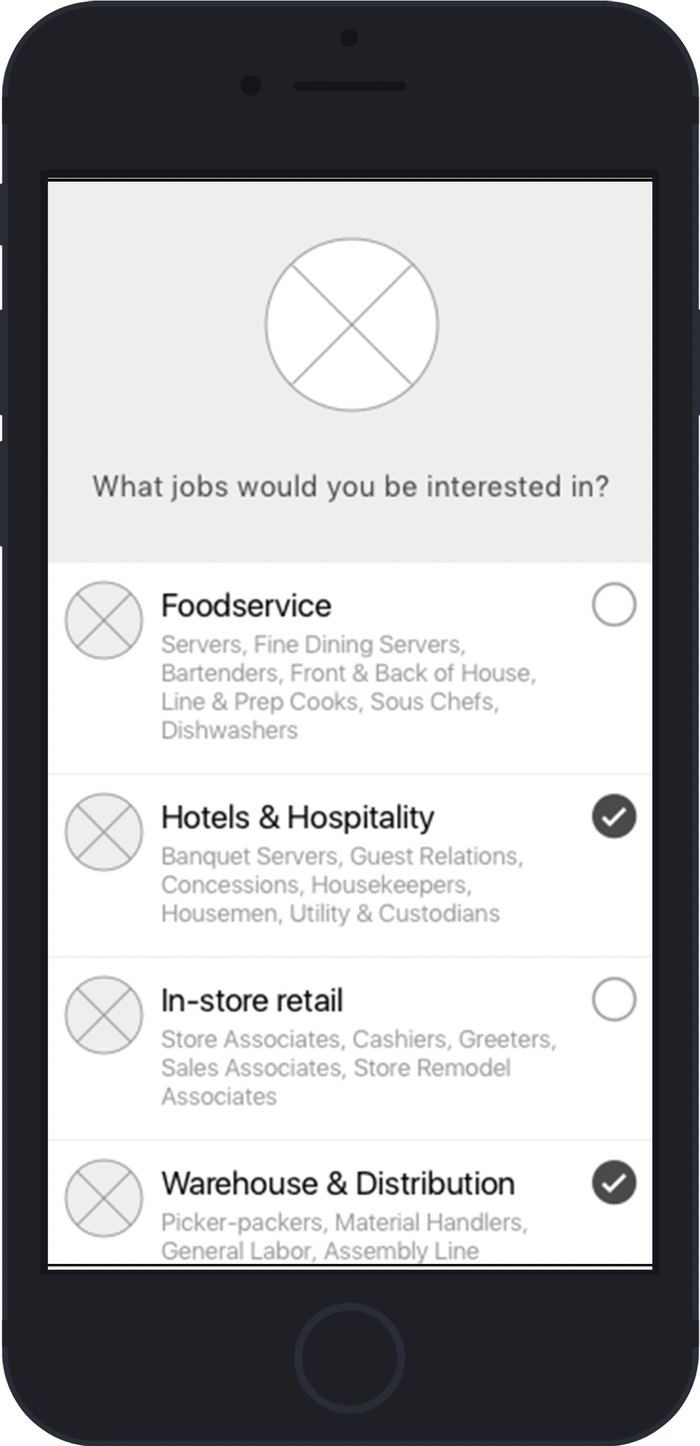
What worked
100% of users completed the objective and felt comfortable moving through the experience.
What did not
Almost all users did not grasp the offer. They knew it involved shift work, but the copy did not state the premise. Applicant tracking was unclear, so we added description text beside each status.
The internal team
We recommended configuring current systems to cut touch points. Those changes proved hard to execute. We also documented integration data flows to reduce noise in the funnel.
The design system
One source of truth for design and engineering.
Built together
We designed the system with users' needs in mind, and engineering built it. It scaled one design across iOS and Android. A single source of truth lowers design debt, and ultimately product and tech debt.
The team understood why we made each design and interaction decision. That raised efficiency across the team by more than 30%.
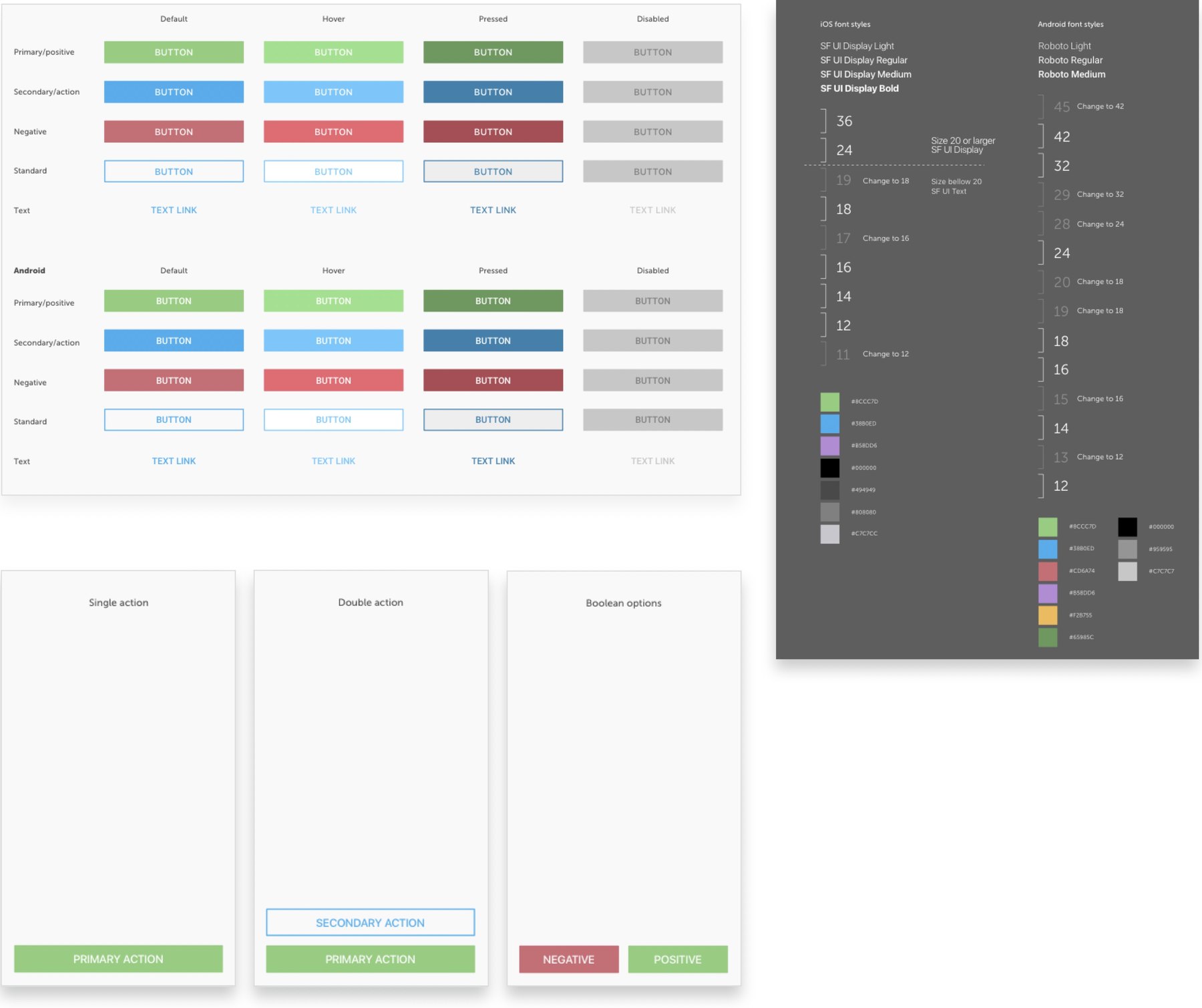
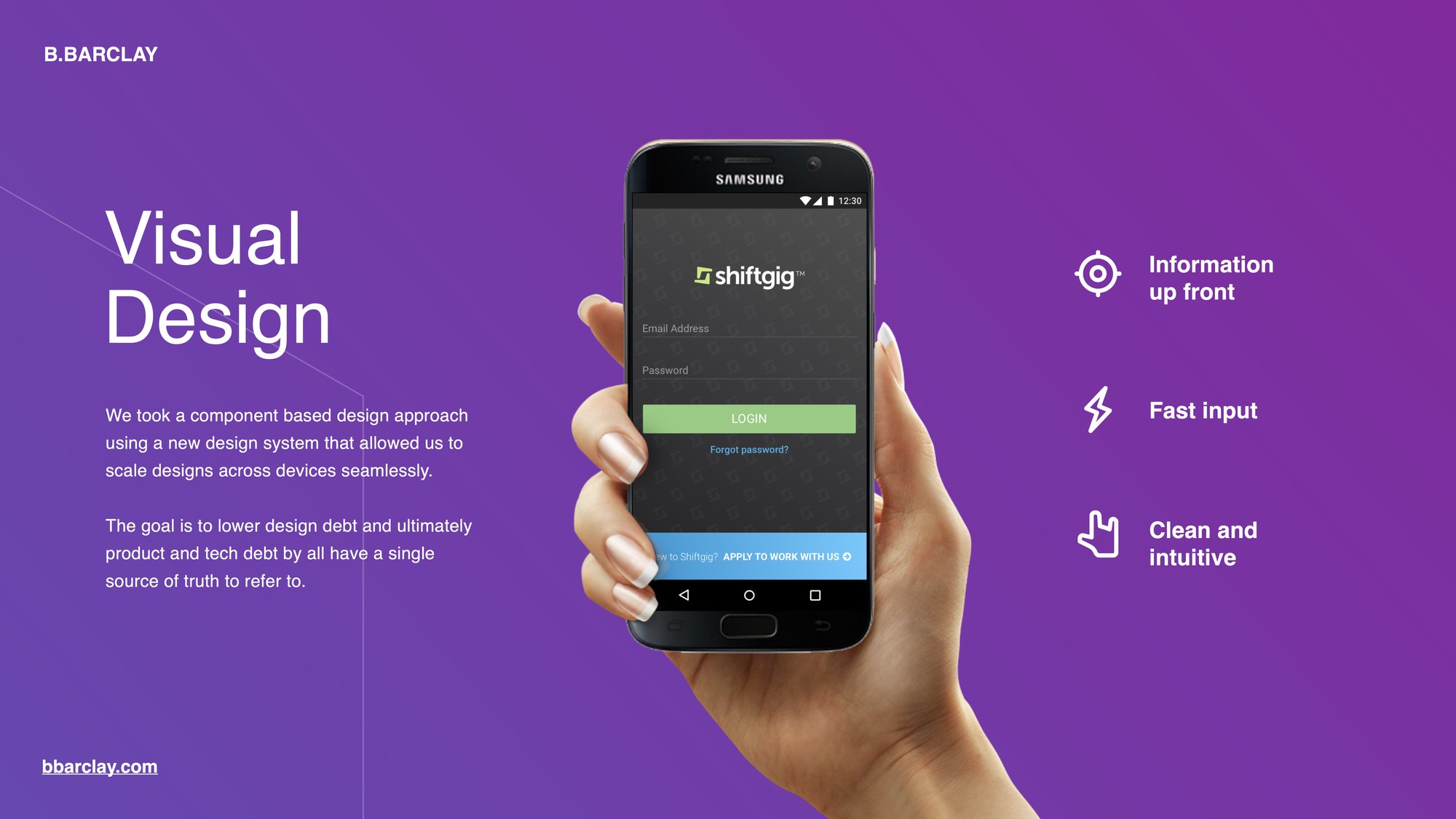
Three principles guided the visual design: information up front, fast input, and a clean, intuitive interface.
What we built
Apply on a phone. Track every step.
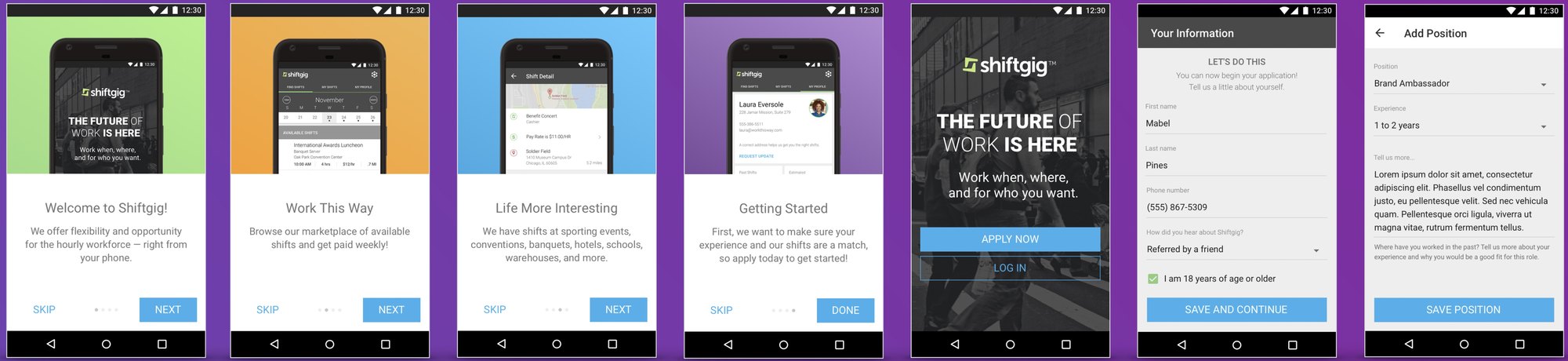
Apply: a welcome carousel, sign-in, personal information and positions.
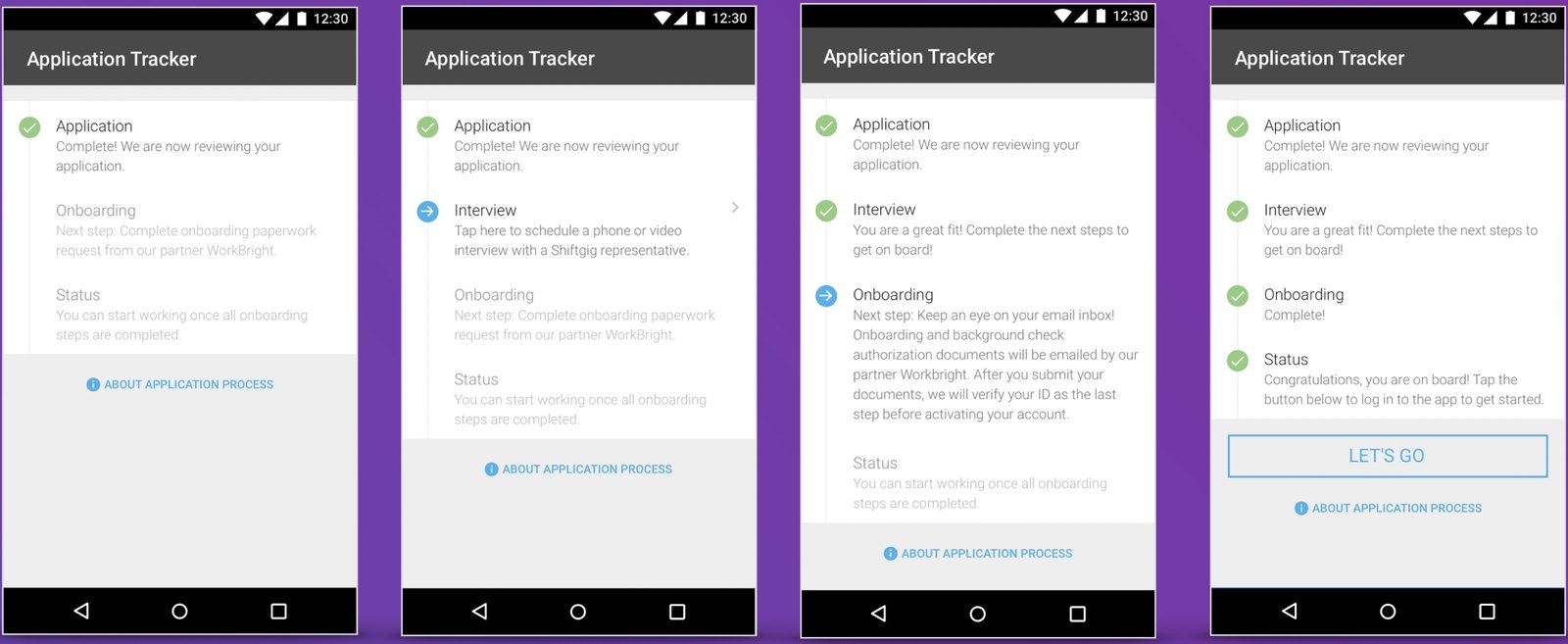
Track: the Application Tracker moves from Application to Interview, Onboarding and Status. Each step carries a description.
Result
More than 80% finished the application.
More than 80% of applicants who used the app completed the application, submitted a video interview, and were hired.
Three releases
We designed and engineered the flow to ship new features with each sprint.
- Release 1: an experiential marketing vertical, with video interviewing and image upload.
- Release 2: an open application for all verticals.
- Release 3: informational screens at the front of the flow.
What comes next
We planned to keep iterating toward a fully automated tool. Candidates would get one place to watch their status. The hiring loop would close more than a week sooner.